Complete Trap Beat Mastering Guide: From Mix to Master
A full walkthrough of mastering a trap beat from start to finish — headroom check, EQ, compression, limiting, and streaming export.
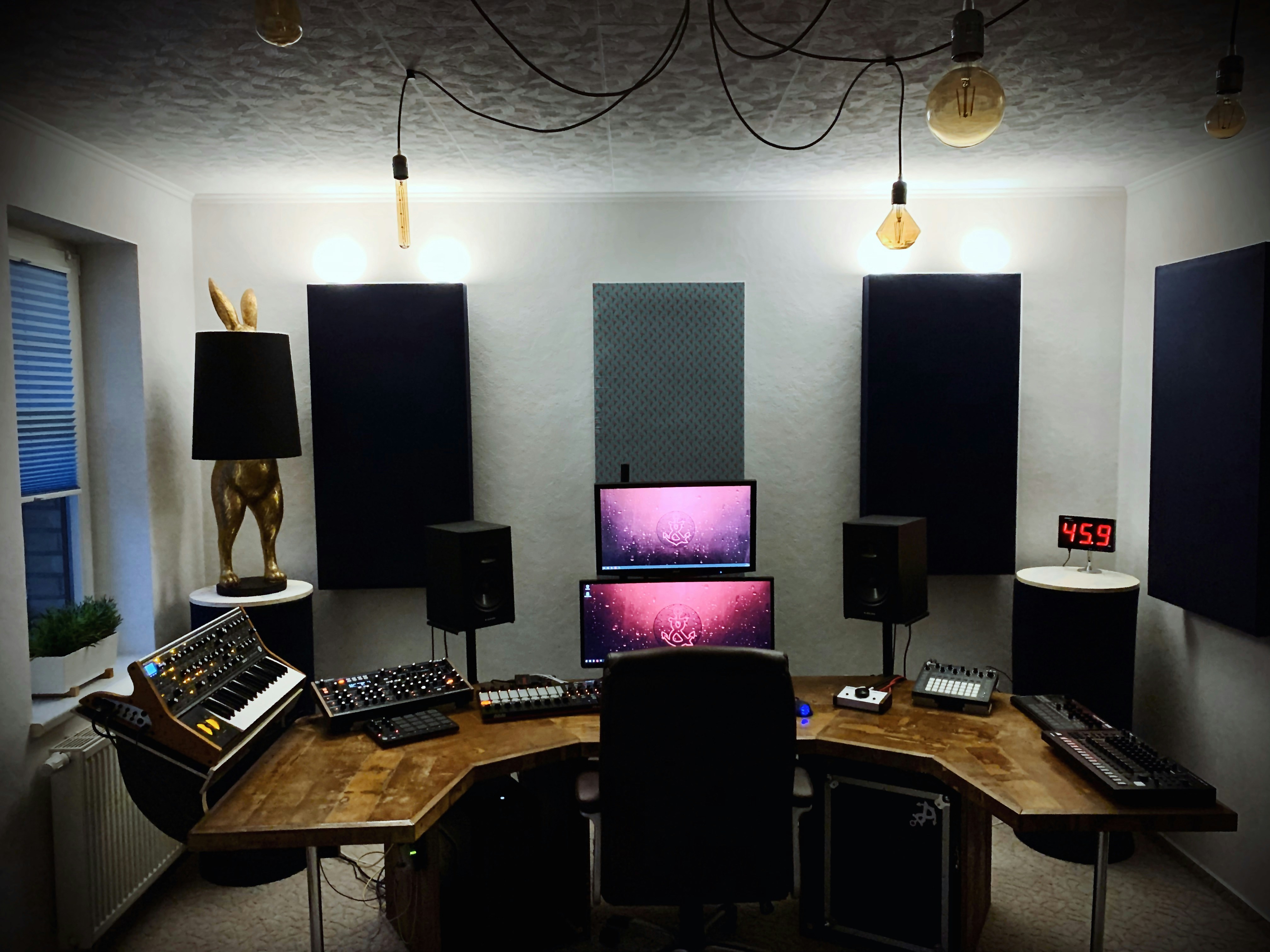
Complete Trap Beat Mastering Guide: From Mix to Master
This is a practical, step-by-step walkthrough for mastering a trap beat. Not theory — a specific workflow you can follow from bounce to final master in under 30 minutes.
Step 1: Pre-Mastering Check (5 minutes)
Headroom: Your mix should peak at -6 dBFS or lower. If hitting -3 dBFS or higher, lower your master fader.
Mix in mono: Sum to mono and check the 808 is present. If it disappears or gets thin, you have phase cancellation in the bass.
Subsonic cleanup: Check for content below 30 Hz in a spectrum analyzer. Add a high-pass filter at 30–35 Hz if needed.
Step 2: EQ (8 minutes)
Low end (30–200 Hz):
- High-pass at 35 Hz
- +0.5–1 dB at 80 Hz if 808 is thin
- Narrow cut -1 dB at 200–250 Hz if muddy
Midrange (200 Hz–4 kHz):
- Cut boxiness at 300–400 Hz if present
- Notch cut -0.5 dB at 800 Hz if congested
- +0.5 dB at 2–3 kHz for vocal/snare presence
High end (4 kHz+):
- +0.5 dB at 6–8 kHz for hi-hat crispness
- +0.5–1 dB at 12 kHz air shelf for modern sheen
Step 3: Compression (5 minutes)
VCA-style compressor:
- Threshold: -18 dBFS
- Ratio: 3:1
- Attack: 8ms
- Release: 80ms
- Makeup gain: compensate GR
Optional parallel compression: Blend a heavily compressed signal (8:1, attack 1ms, GR 10 dB) at 15–20% wet.
Step 4: Saturation (optional, 2 minutes)
Subtle tape or tube emulation at 10–20% drive adds harmonic warmth.
Step 5: Limiting (5 minutes)
- Spotify/Apple Music: -14 LUFS, -1.0 dBTP ceiling
- SoundCloud/Beatstars: -9 to -11 LUFS
Set ceiling -0.8 to -1.0 dBTP. Increase input gain until loudness meter reads target.
Step 6: Quality Check (5 minutes)
- Headphones — stereo balance, no harsh frequencies
- Phone speaker — 808 presence, melody clarity
- Mono check
- Confirm LUFS target
- No red on output meter
Export: WAV 24-bit, 44.1 kHz. For MP3 delivery: 320 kbps.
Related Posts
Ready to master your beats?
Upload your track and get it sounding professional in under 5 minutes — free.
Start Mastering Free